▶
Unity · OpenCV
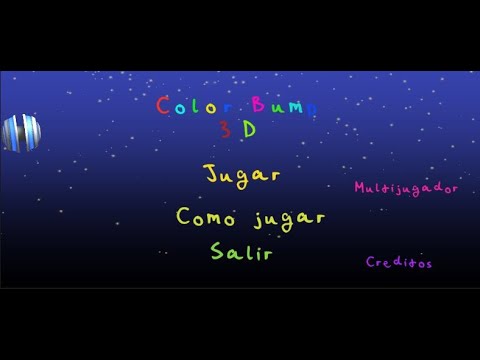
A multiplayer Unity game with no traditional controller — Player 1 steers the ball using head orientation tracked by OpenCV, while Player 2 controls speed through hand gestures and audio input. A live demonstration of multimodal human-computer interaction applied to games.
Color Bump 3D reimagines a classic mobile game as a multimodal HCI experiment. The game runs in Unity, but its input is driven entirely by a Python backend using OpenCV and audio analysis — no keyboard, mouse, or gamepad involved. Two players share the same physical space: one controls direction with their head, the other controls speed with their hands and voice.
Bridging two separate runtimes (Python and Unity) in real-time was the biggest technical challenge. Latency in the socket communication had to stay under ~50ms to feel responsive — this required careful buffering on the Python side and interpolation on the Unity side. The project also pushed me to think about input design from a HCI perspective: how do you make a non-standard control scheme feel intuitive within 30 seconds?
Curious about the Python-Unity integration or the CV pipeline?
Get in Touch →